Your restaurant,
served online
Launch a modern restaurant system with online ordering, menus, and automation that keeps customers coming back.
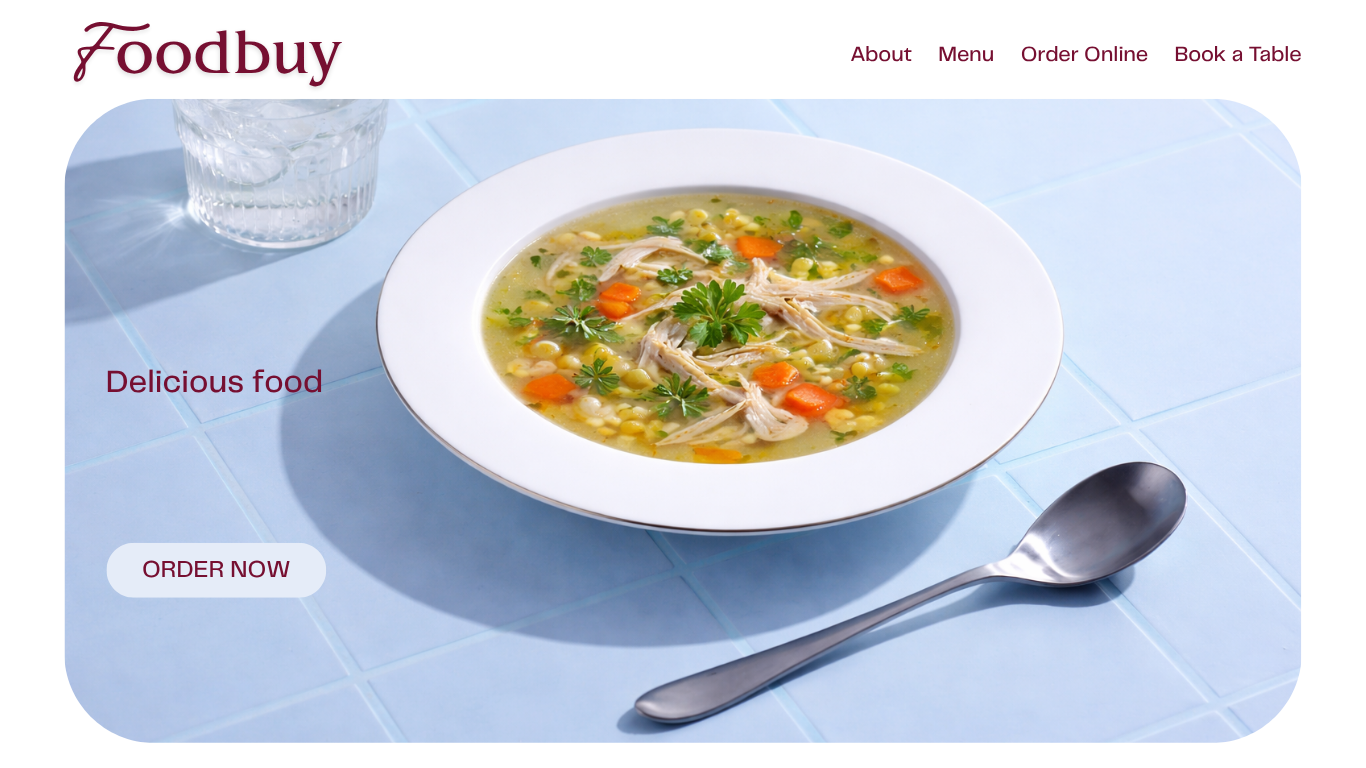
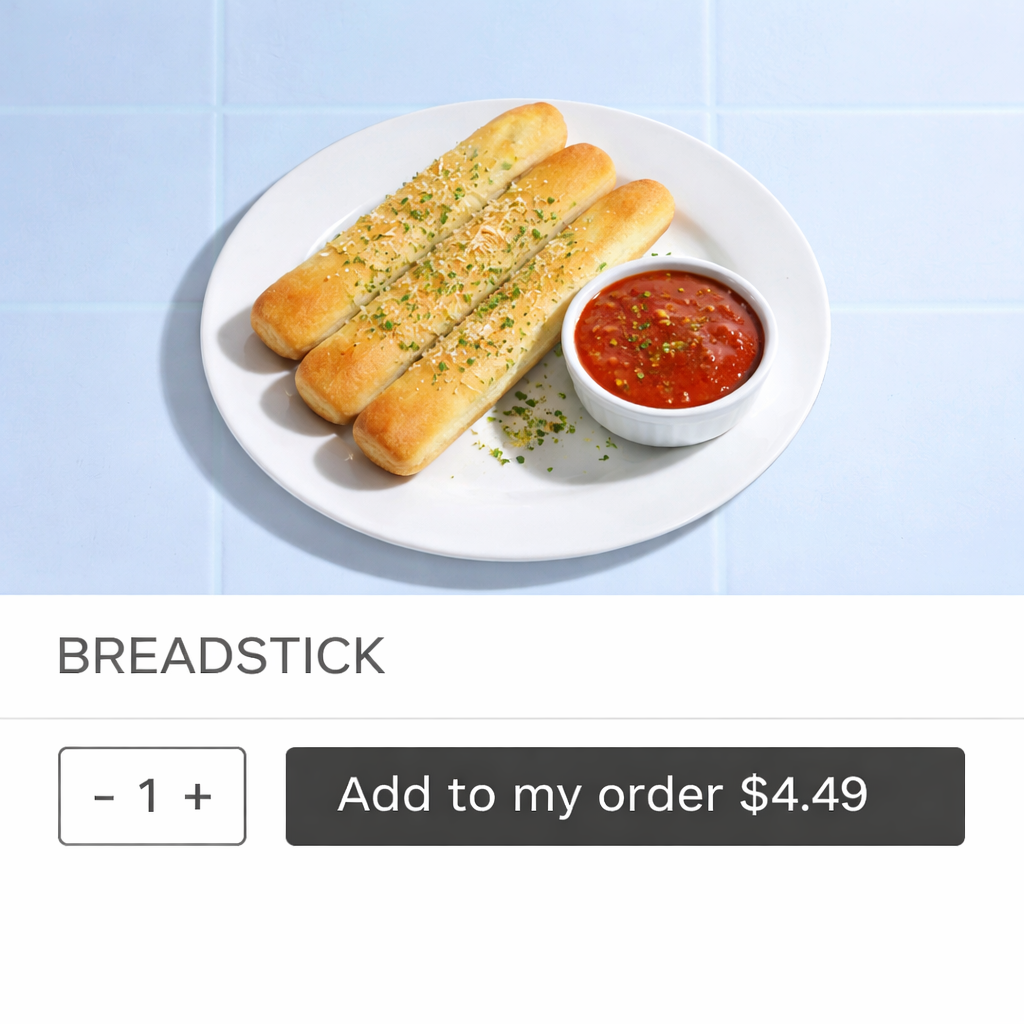
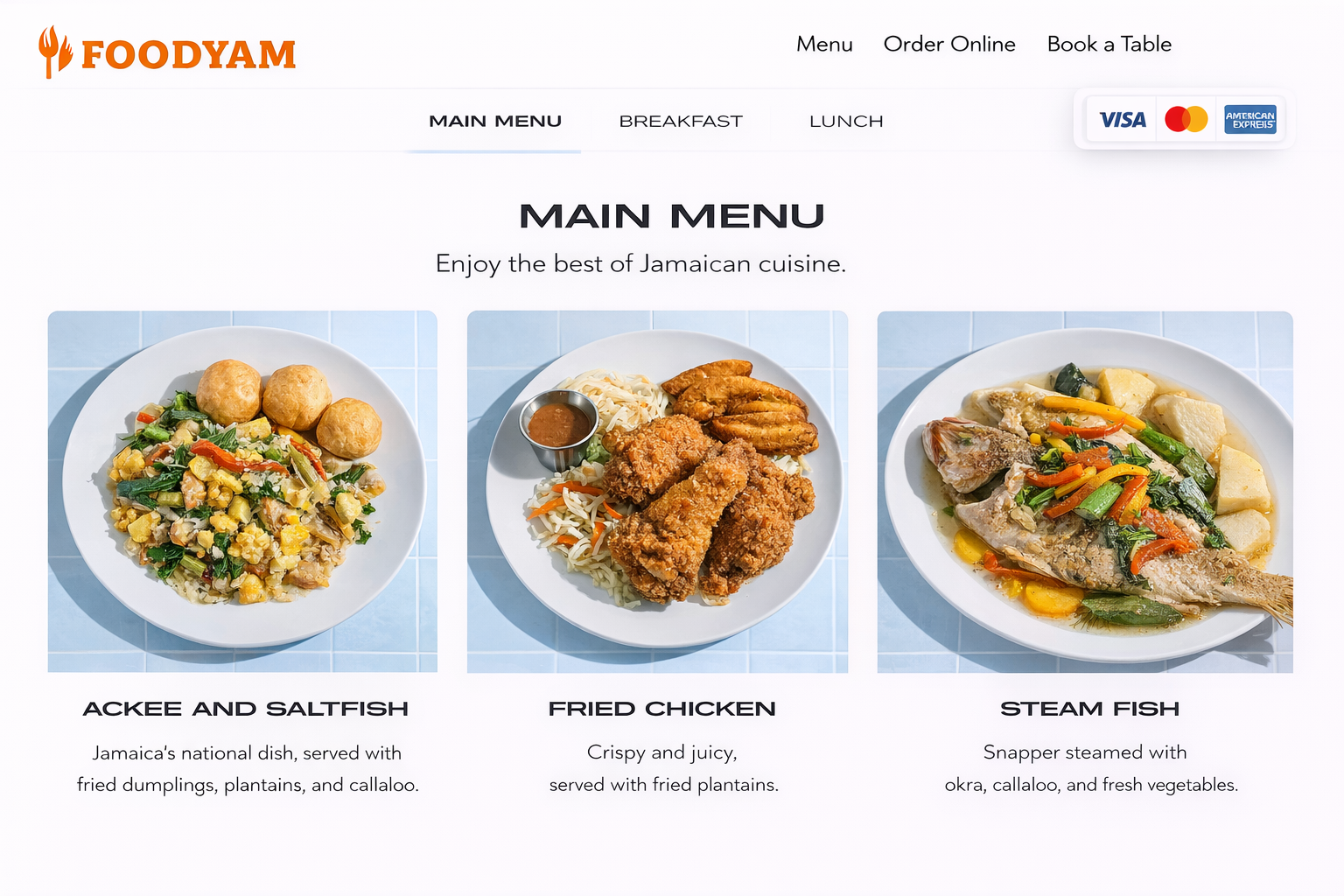
Website templates for every cuisine
Choose a layout built for restaurants — then swap colors, images, and sections to match your brand.
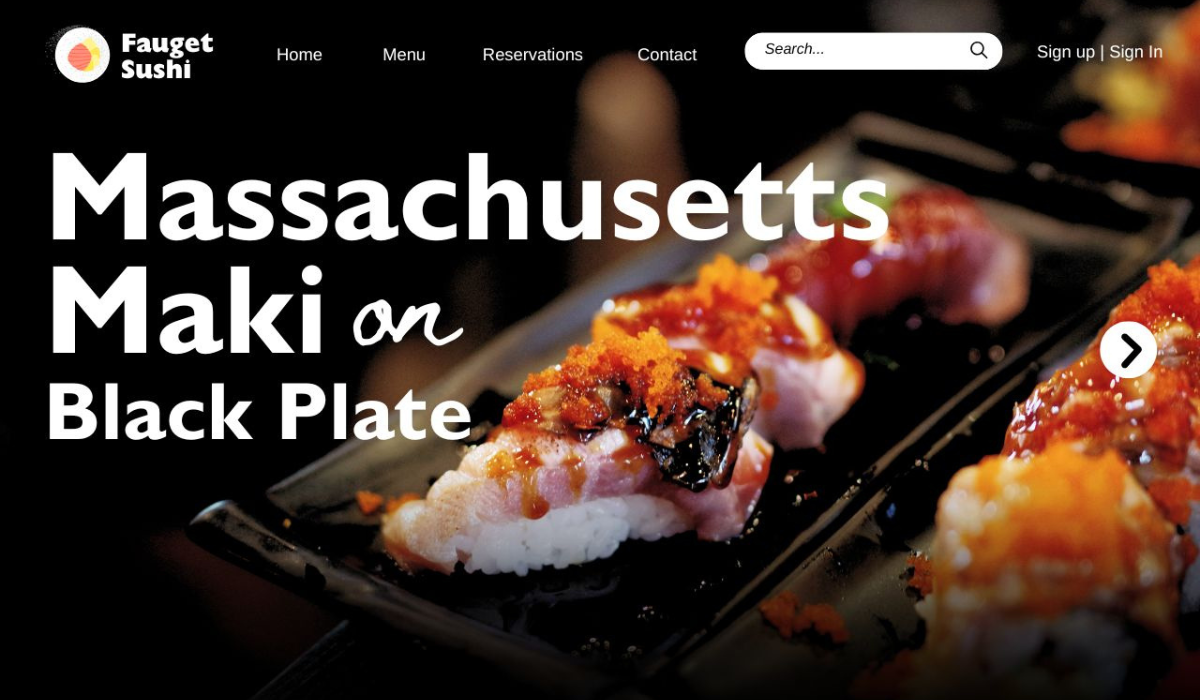
Modern Bistro
Menu + online order
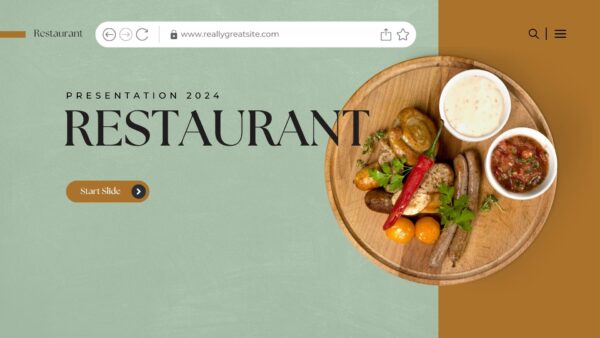
Quick Serve
Pickup + delivery
Get a robust online ordering system
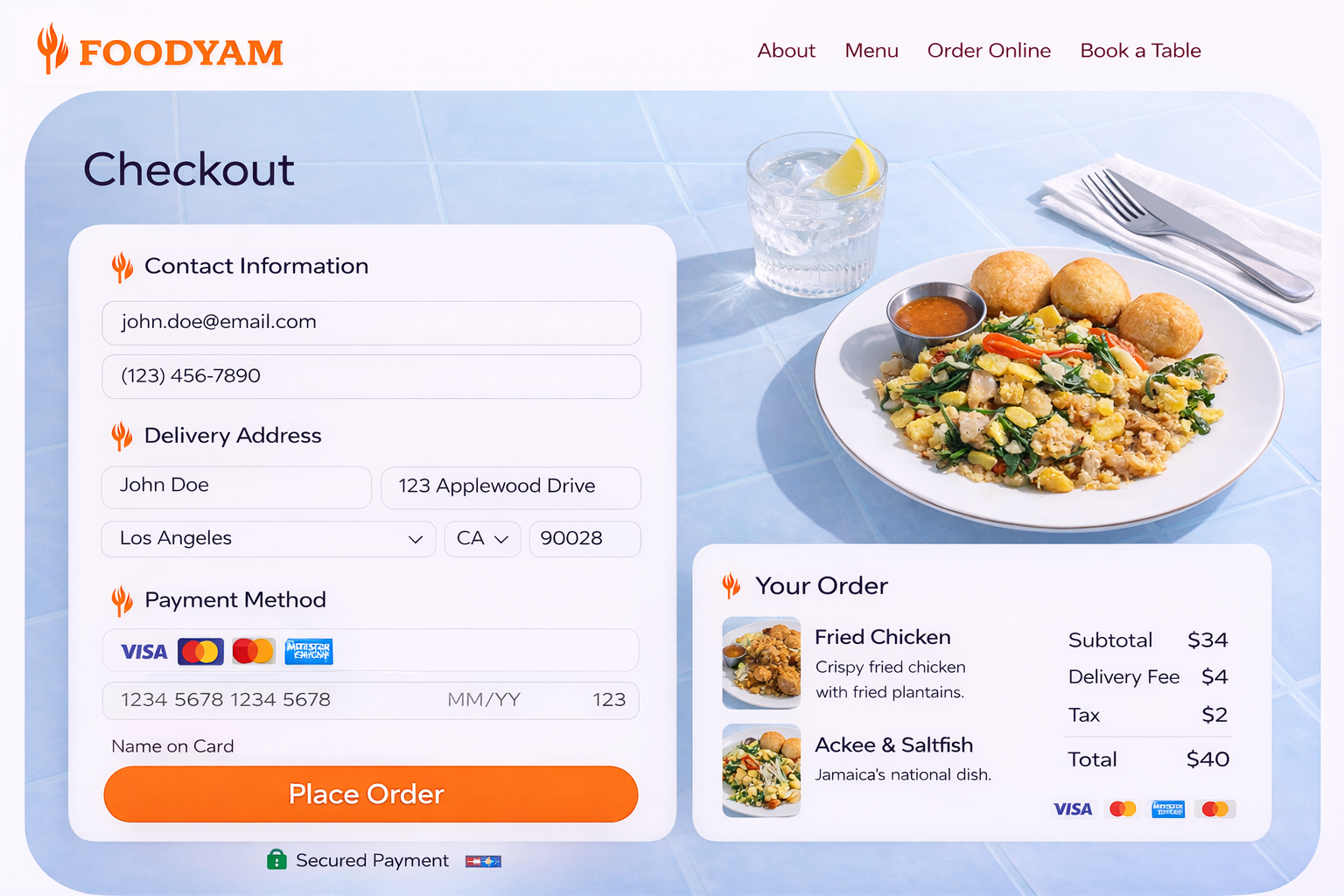
Offer pickup and delivery with a checkout that’s fast, mobile-friendly, and built for repeat orders.
- Instant menu updates and item options
- Pickup, delivery, and scheduled orders
- Automated confirmations and reminders
- Coupons, upsells, and add-ons
Stand out with unique experiences
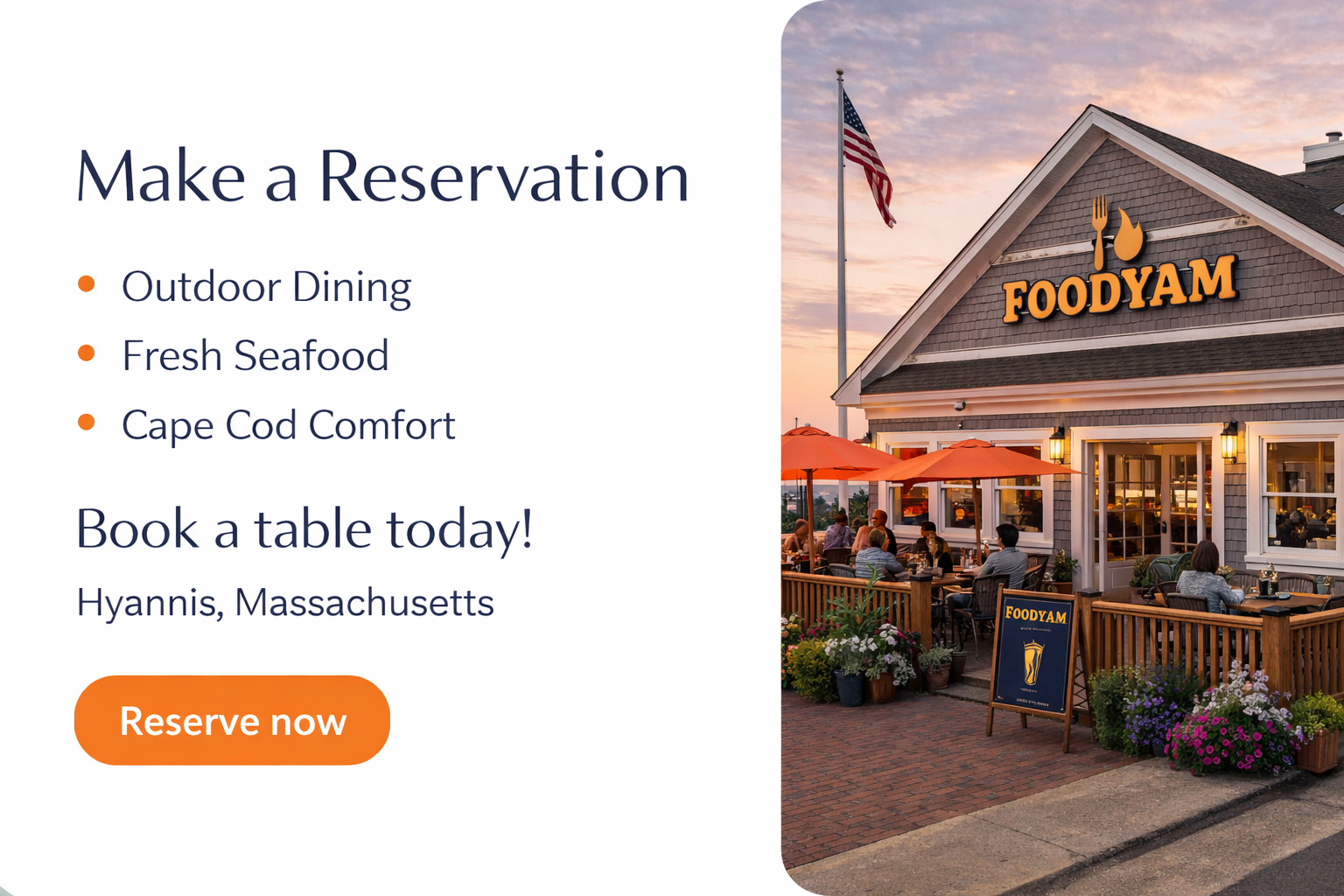
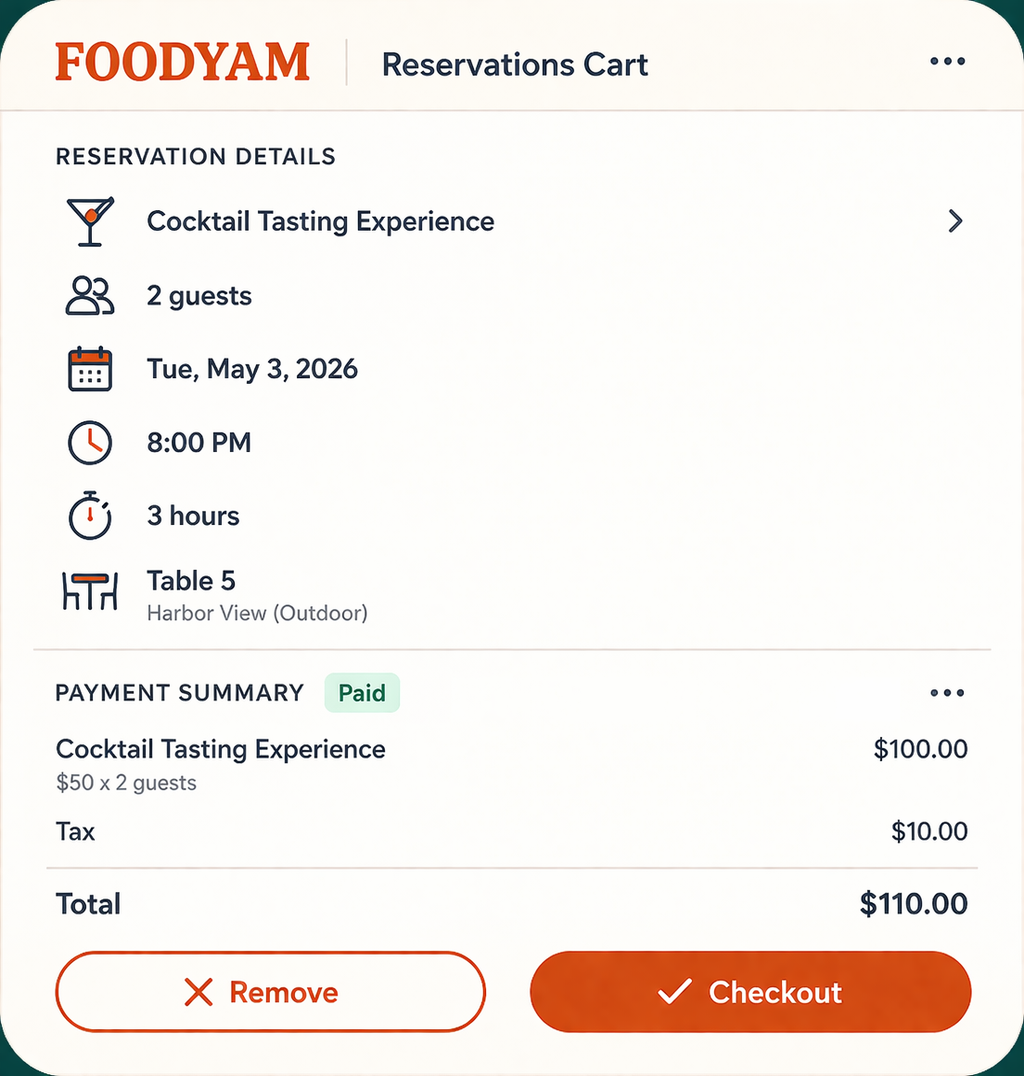
Offer reservations, events, and special menus — and keep guests in the loop with smart messaging and updates.
Talk with UsThe tools you need to grow your business
From marketing to operations — keep everything connected so your team can move faster.
- Menu management and promo banners
- Customer database + messaging
- Insights for orders and best sellers
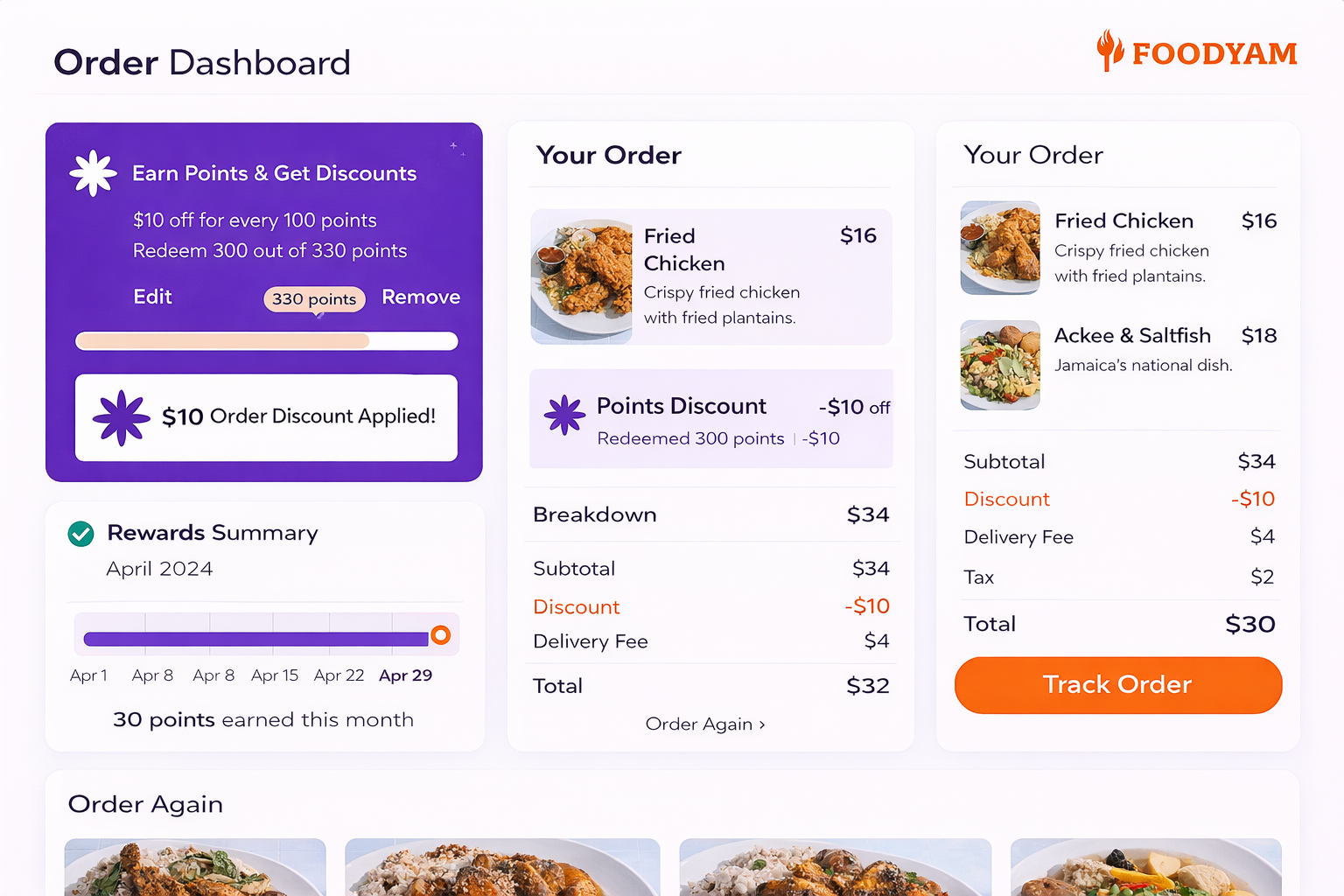
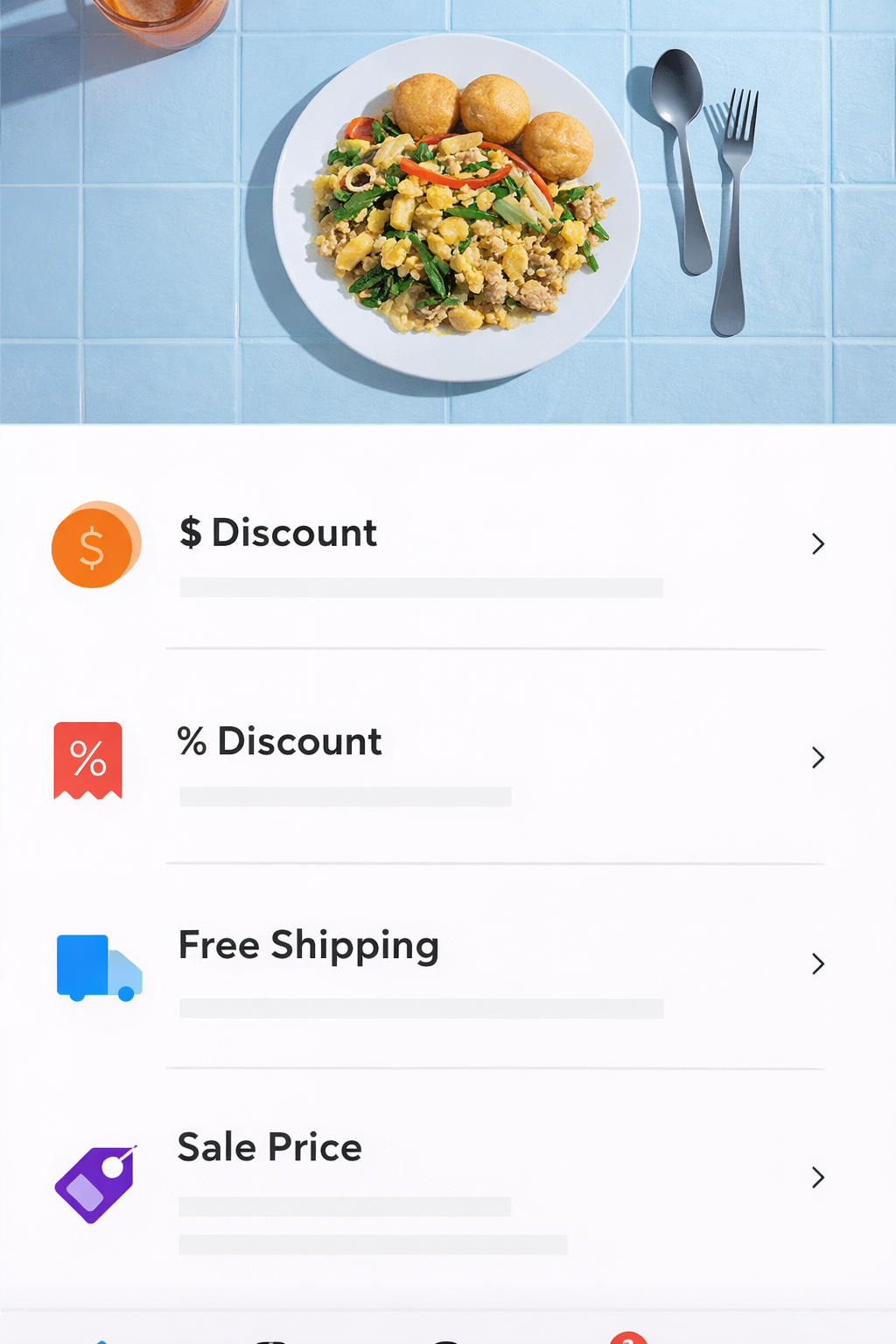
Accept payments from anywhere with POS integrations
Connect the tools you already use — keep orders, payments, and customer data in sync.
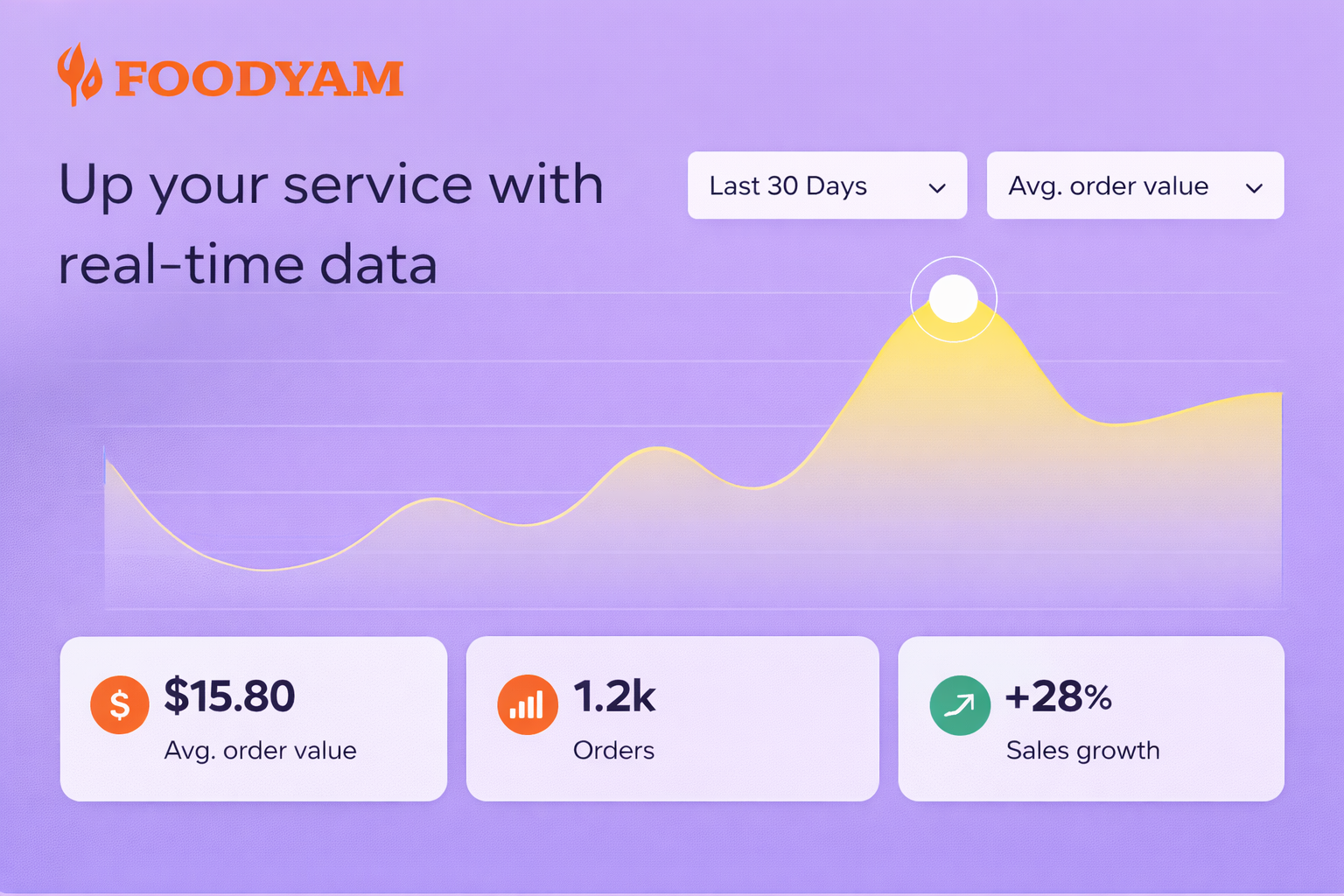
Up your service with real-time data
See what’s selling, what’s trending, and where you’re losing customers — then improve fast.
- Live order status and fulfillment insights
- Best sellers and inventory signals
- Customer behavior and repeat rate
Manage on the go
Update menus, track orders, and respond to customers from your phone — anytime.
See tipsGet inspired, gain new skills and see what’s trending
Fresh ideas for menus, promos, and operational workflows — designed for modern restaurants.
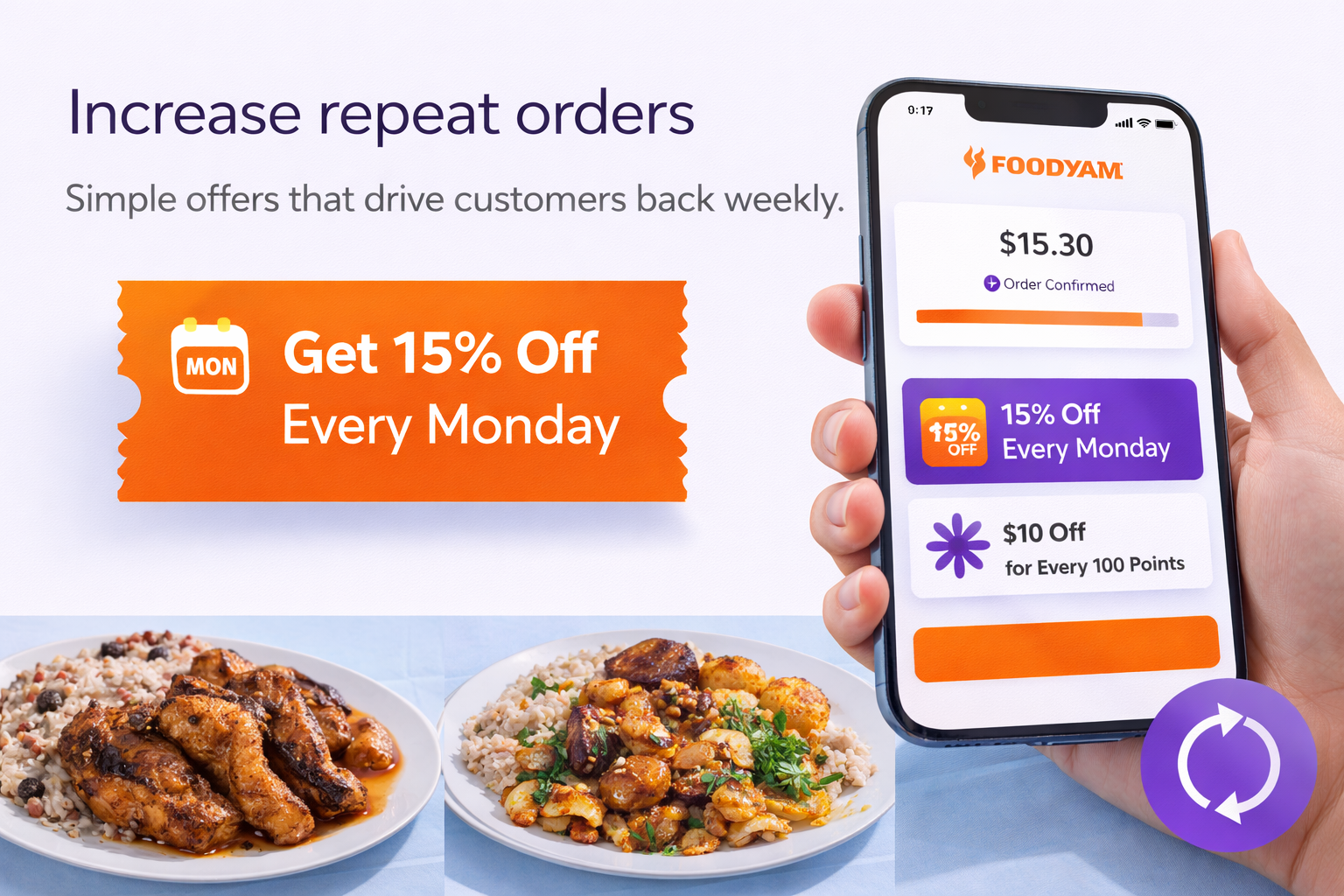
Increase repeat orders
Simple offers that drive customers back weekly.
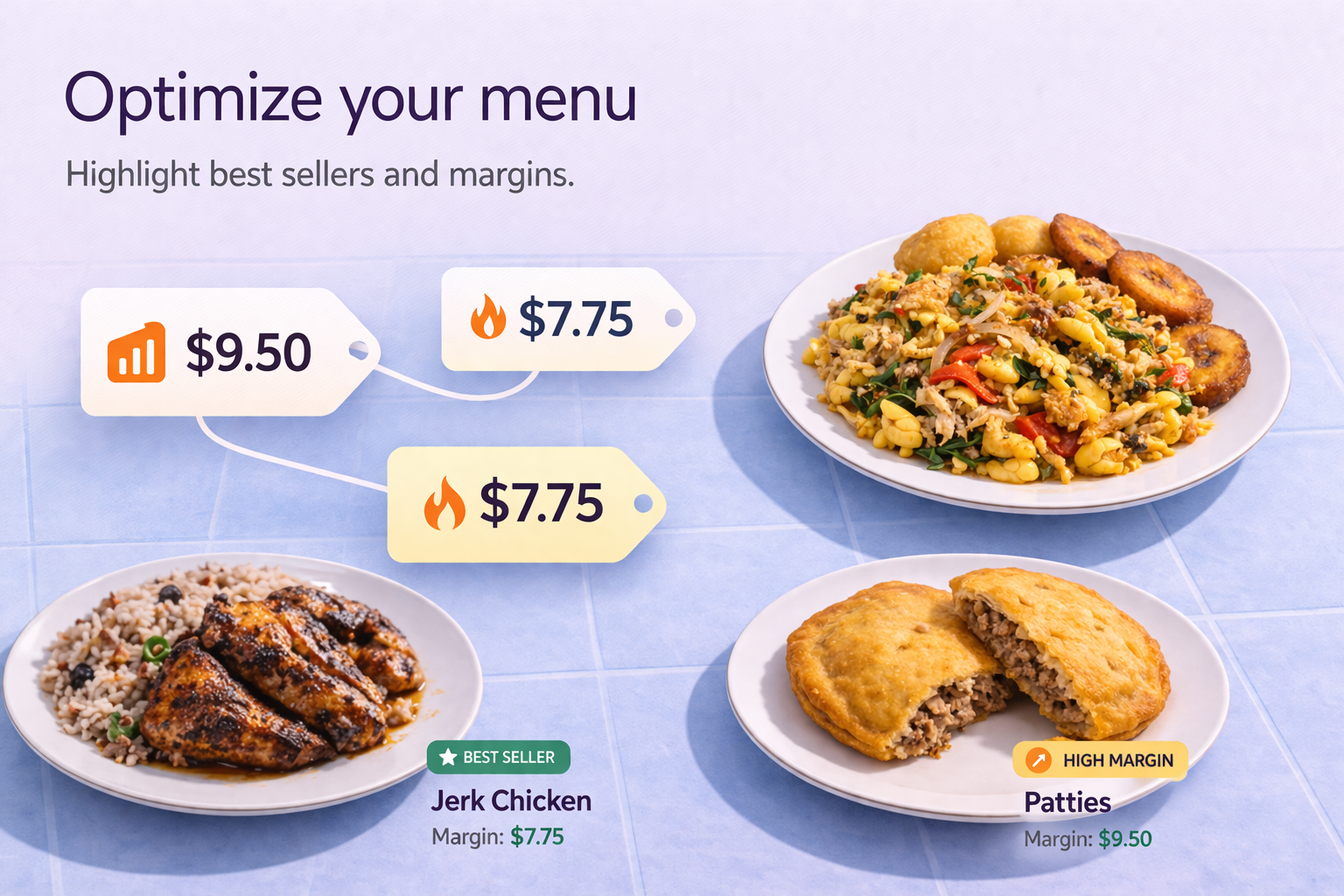
Optimize your menu
Use data to highlight best sellers and margins.
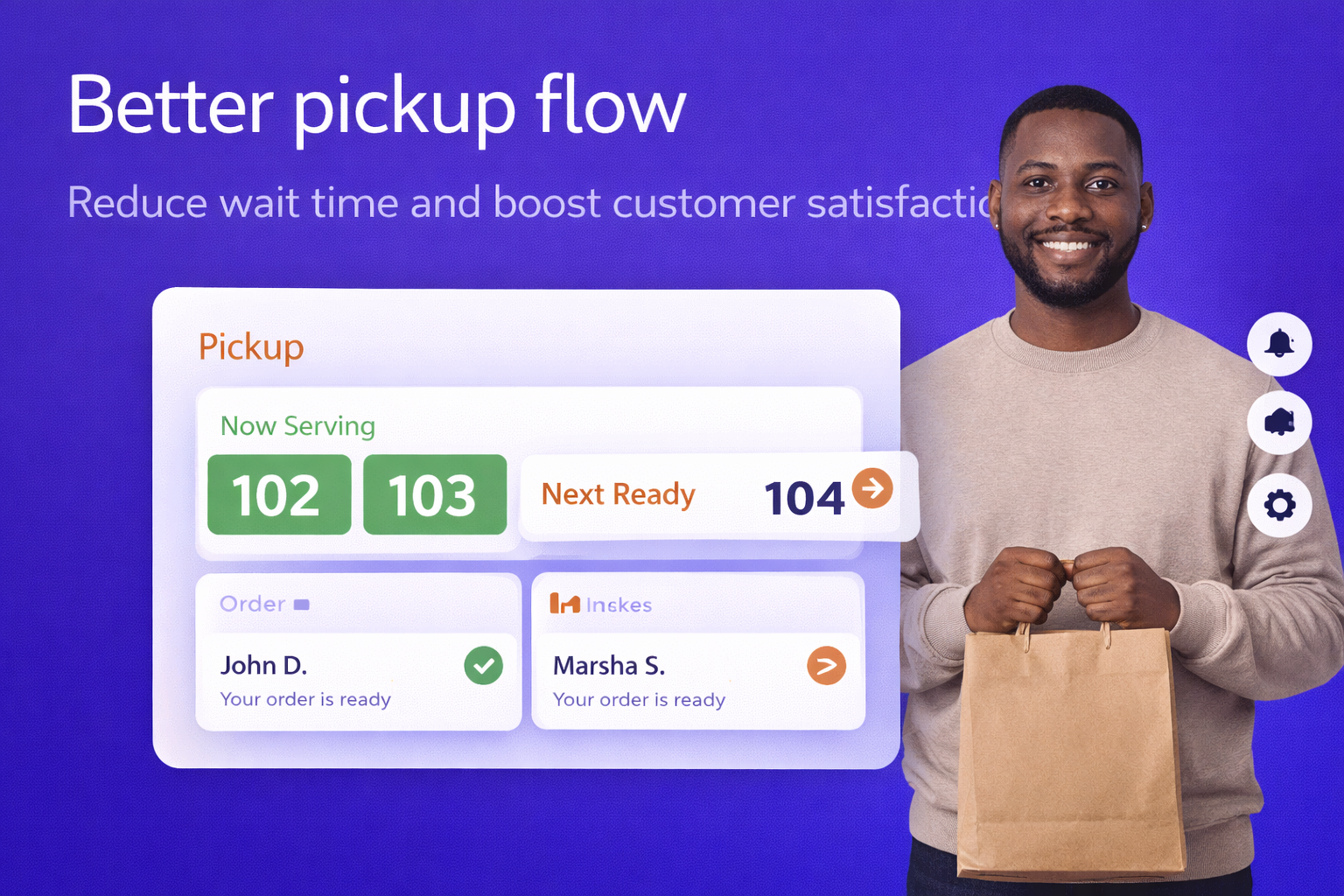
Better pickup flow
Reduce wait time and boost customer satisfaction.
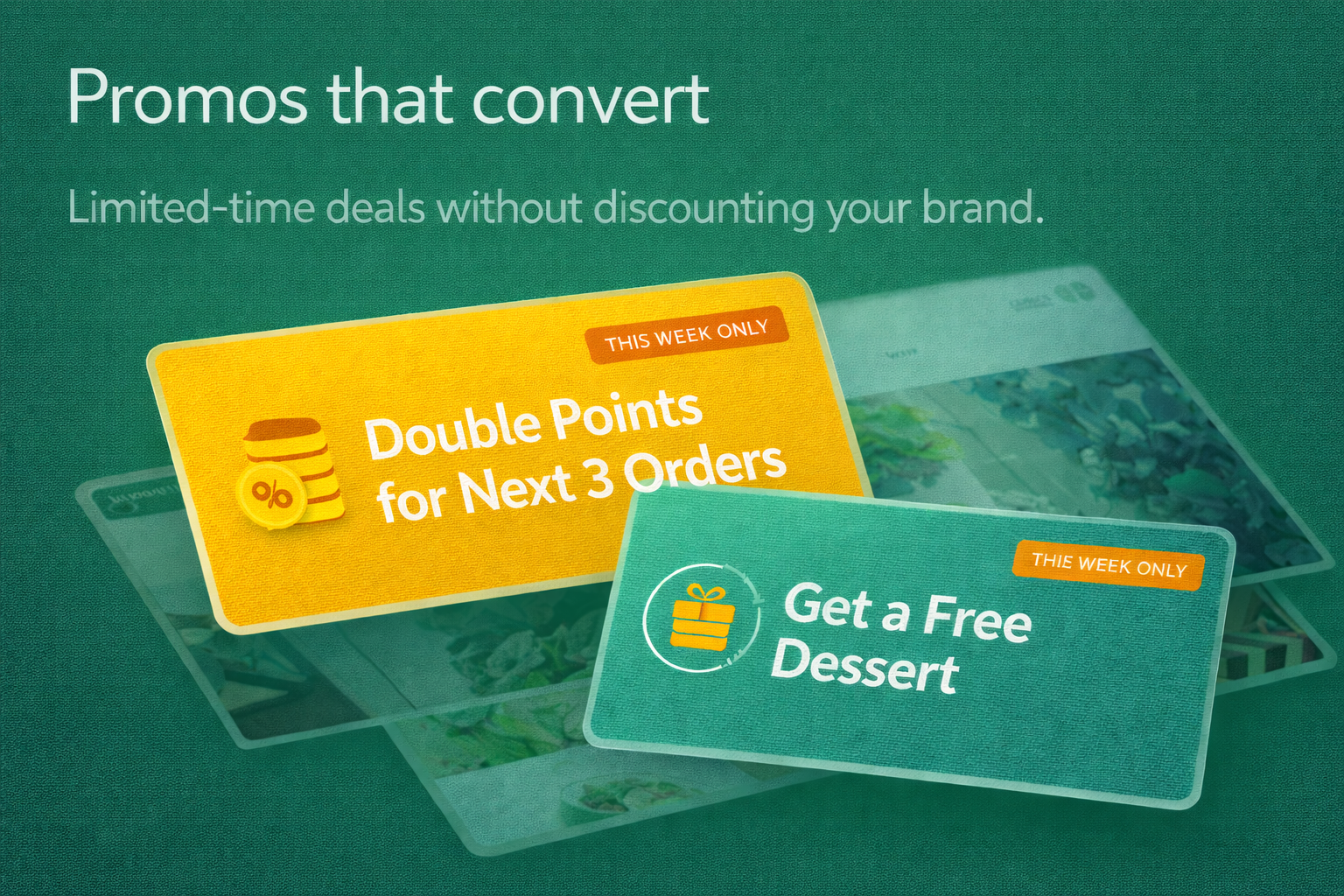
Promos that convert
Limited-time deals without discounting your brand.
We’re here to help
Get guidance on launching, improving conversions, and keeping your online ordering smooth.
Talk with UsLaunch checklist
Everything to publish in a day — menu, SEO, ordering, and automation.
Menu optimization
Boost AOV with add-ons, bundles, and smart upsell placement.
Support library
Quick answers for settings, integrations, and updates.
How to create your restaurant website
Follow a simple setup flow — then keep improving with data and automation.
Pick a restaurant layout
Start with a menu-first design that looks premium on mobile.
Add menu + photos
Upload images, prices, modifiers, and specials in minutes.
Enable online ordering
Turn on pickup/delivery, set hours, and connect payments.
Launch promotions
Coupons, bundles, and upsells that increase average order value.
Track and optimize
Use real-time insights to refine menu placement and offers.
Restaurant growth questions
Quick answers for restaurants that want a cleaner website, online ordering, customer messaging, and a smoother path from visitor to repeat guest.
Switch to Arqua today
Our team handles the setup so it is quick and easy to move your restaurant website, menu, ordering, and customer follow-up into one modern growth system.
Request Migration Review